
5 Simple AI Tools That Can Make Everyday Life Easier in 2026
Simple AI tools are no longer just for technology experts. In 2026, everyday AI tools can help ordinary people write emails, understand confusing information, plan meals and trips, organize daily tasks, create pictures, and improve their writing. Many of these tools are simple enough for beginners to start using in minutes.
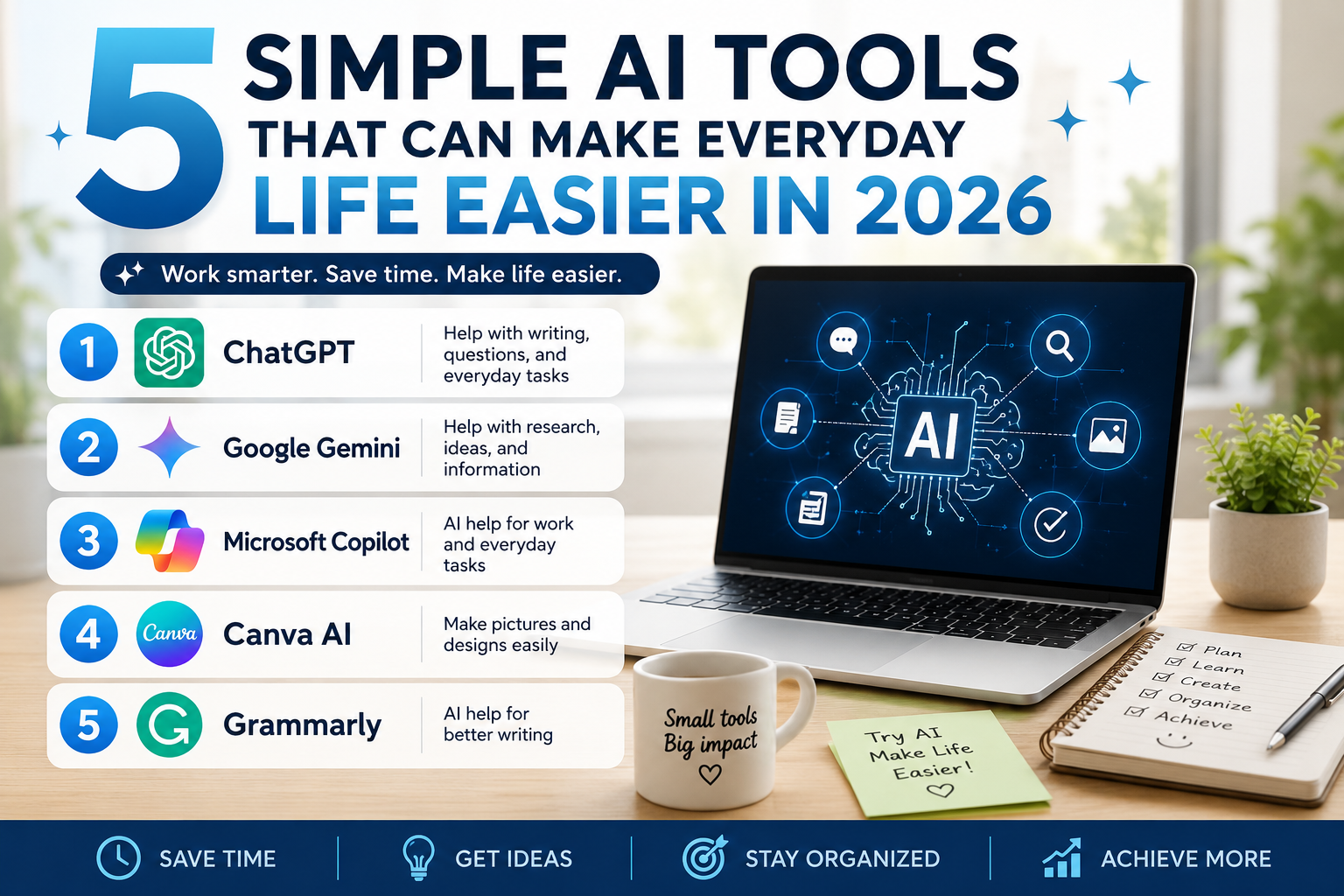
In this guide, we’ll look at five popular AI tools—ChatGPT, Google Gemini, Microsoft Copilot, Canva AI, and Grammarly—and explain what each one does, when it may be useful, and simple examples you can try yourself. You don’t need advanced computer skills to get started.
1. ChatGPT — Help With Writing, Questions, and Everyday Tasks
ChatGPT can help with many everyday tasks, from writing emails and explaining confusing topics to planning meals, organizing ideas, comparing options, and answering questions. You can type a question in simple language and ask for a shorter, clearer, or more detailed answer. It can also help create checklists, schedules, summaries, and step-by-step instructions.
Try this: Ask ChatGPT, “Plan five simple dinners for this week and make a shopping list.” You can also ask it to explain a confusing letter in simpler language, help organize a to-do list, or draft a friendly email.
Easy ways beginners can use ChatGPT
You do not need to know special commands to use ChatGPT. Start by describing what you need in everyday language. If the first answer is too complicated, you can ask, “Can you explain that in simpler words?” or “Can you give me step-by-step instructions?”
For example, someone planning a grocery trip could enter the foods already in the refrigerator and ask for several simple meal ideas. Someone who received a confusing email could ask ChatGPT to explain what the message means in plain language. You can also use it to create packing lists, organize household projects, brainstorm gift ideas, practice questions for learning a new subject, or turn a long list of tasks into a simple schedule.
Beginner tip: Give ChatGPT enough details about what you want, but never enter passwords, Social Security numbers, banking information, or other sensitive personal information.
2. Google Gemini — Help With Research and Ideas
Google Gemini is an AI assistant that can help you research topics, answer questions, brainstorm ideas, and understand information. You can use it to help plan a trip, learn about a new subject, summarize information, or come up with ideas for meals, hobbies, and everyday projects. It can be especially convenient for people who already use Google products and services.
Try this: Ask Google Gemini, “Help me plan a three-day trip and give me ideas for places to visit.” You can also ask it to brainstorm meal ideas, explain a new topic, or summarize information in simpler language.
Simple ways to use Google Gemini
Google Gemini can be useful when you want help exploring a topic or developing ideas. For example, you could ask it to create a three-day travel checklist, suggest questions to research before buying a new appliance, brainstorm activities for visiting grandchildren, or explain an unfamiliar technology term in simpler language.
If an answer is too technical, ask Gemini to explain it again using everyday words or provide the information as a short checklist. This can make AI easier to use for people who are just getting started.
Helpful tip: AI-generated information can sometimes be incorrect or outdated. When researching important subjects, check important facts against reliable sources before making a decision.
3. Microsoft Copilot — AI Help for Work and Everyday Tasks
Microsoft Copilot is an AI assistant that can help with writing, researching, organizing information, and answering everyday questions. It can also work with Microsoft products to help create documents, summarize information, draft emails, and organize ideas. For people who already use Windows or Microsoft 365, Copilot can be a convenient way to start using AI in everyday life.
Try this: Ask Microsoft Copilot, “Help me write a polite email reminding someone about an appointment.” You can also use it to summarize information, organize ideas, or help with everyday tasks in Windows and Microsoft 365.
Simple ways to use Microsoft Copilot
Microsoft Copilot can be especially useful for people who already spend time using Windows or Microsoft 365. You can ask it to help organize notes, draft a professional email, summarize information, create a simple outline, or turn scattered ideas into a more organized list.
For example, if you need to send a reminder about an appointment or meeting, you can describe what you want to say and ask Copilot to make the message friendly and clear. You can also ask it to shorten a long paragraph or explain complicated information using simpler words.
Helpful tip: Always review AI-generated emails, summaries, and documents before sending or sharing them. AI can make mistakes or misunderstand important details.
4. Canva AI — Make Pictures and Designs Easier
Canva AI can help you create pictures, social media posts, invitations, presentations, and other designs without needing professional design skills. You can describe what you want, choose a template, and use AI features to help create or improve your design. It can be useful for family projects, small businesses, hobbies, and anyone who wants to make attractive images quickly and easily.
Try this: Ask Canva AI to “Create a simple birthday invitation with flowers and large, easy-to-read text.” You can also use it to make social media pictures, greeting cards, flyers, or simple designs for family and small-business projects.
Simple ways to use Canva AI
Canva AI can make simple design projects easier for people who do not have graphic-design experience. You might use it to create a birthday invitation, family announcement, holiday card, social media picture, flyer, presentation, or simple image for a small business.
Start by describing the type of design you want, the occasion, and the style. For example, you could ask for a cheerful birthday invitation with flowers and large, easy-to-read lettering. You can then adjust the wording, pictures, layout, and other details until the design looks right.
Helpful tip: Review AI-generated pictures and text carefully before sharing or printing them. Check names, dates, spelling, and other important details yourself.
5. Grammarly — AI Help for Better Writing
Grammarly uses AI to help make writing clearer and easier to understand. It can check spelling and grammar, suggest better wording, and help improve the tone of emails, messages, documents, and other writing. It can be especially helpful when you want your writing to sound clear and professional without spending a lot of time editing it yourself.
Try this: Ask Grammarly, “Can you make this email clearer and friendlier?” You can also use it to check spelling, improve grammar, or make everyday writing easier to understand.
Simple ways to use Grammarly
Grammarly can be helpful for everyday writing such as emails, messages, letters, schoolwork, and documents. It can point out spelling and grammar problems and suggest ways to make a sentence clearer or easier to understand.
For example, if you write an email that sounds too formal or confusing, Grammarly can suggest changes to make it friendlier and more natural. It can also help you catch small mistakes before sending an important message.
Helpful tip: Read the final version yourself before accepting every suggestion. Sometimes your original wording may better express exactly what you mean.
AI DOESN’T HAVE TO BE COMPLICATED
AI may sound complicated, but many simple AI tools are designed for ordinary people. You do not have to learn everything at once. Start with one tool, try a few simple questions or tasks, and see what works for you. As AI continues to improve, these tools may become an even more useful part of everyday life.
Simple AI Tools Can Save Time Every Day
Simple AI tools can help with many small tasks that take up time during the day. You can use AI to write an email, understand something confusing, organize a list, create a picture, or check your writing. You do not need special computer skills to get started.
The best approach is to choose one tool and practice with it. For example, ask ChatGPT a question, use Canva AI to create a simple design, or use Grammarly to improve a message. As you become comfortable, you can try another tool. The goal is not to let AI do everything for you. It is to use simple AI tools when they can make everyday tasks quicker and easier.
Which AI Tool Should You Choose?
You do not need to use every AI tool. The best choice depends on what you want to accomplish. ChatGPT can be useful for everyday questions, explanations, planning, and writing. Google Gemini can help with research and brainstorming, while Microsoft Copilot may be convenient for people who already use Windows and Microsoft 365. Canva AI is useful for creating simple designs and images, and Grammarly can help improve everyday writing.
Start with one tool that solves a problem you already have. Try it for a few simple tasks before adding another. This makes learning AI easier and helps you discover which tools are actually useful in your daily life.
Use AI Carefully and Check Important Information
AI tools can be helpful, but they can sometimes provide incorrect or outdated information. For important decisions involving health, money, legal matters, travel, or other serious issues, check the information with a reliable source before acting on it. Also avoid entering passwords, banking information, Social Security numbers, or other sensitive personal information into an AI tool.
Simple AI tools can also be useful for planning appointments, comparing choices, making shopping lists, learning new skills, and finding faster ways to handle everyday responsibilities. The more you practice, the easier it becomes to know which AI tool is best for each task.
YOUR FIRST 10 MINUTES WITH AI: A SIMPLE BEGINNER’S GUIDE
Your first 10 minutes with AI can be easier than you think. You don’t need technical experience or expensive equipment. All you need is a phone or computer, an internet connection, and one simple question.
Minutes 1–2: Get started. Open ChatGPT or another AI assistant. Choose a free option if available. Take a moment to look around the screen.
Minutes 3–4: Ask your first question. Try typing, “Can you help me plan three inexpensive dinners using ingredients I already have?”
Minutes 5–6: Make the answer more useful. Ask, “Can you make the instructions easier to follow?” AI can adjust its explanation to your needs.
Minutes 7–8: Try something practical. Ask AI to help write a friendly message, organize a grocery list, or explain an unfamiliar word.
Minutes 9–10: Practice and build confidence. Try another question. Remember to check important information, especially medical or financial advice, with reliable sources.
Learning something new can feel intimidating at first, especially when technology changes quickly. But you don’t have to master AI in one day. Start small, practice at your own pace, and enjoy discovering what makes everyday life easier.
Frequently Asked Questions
Are AI tools difficult for beginners?
No. Many AI tools let you type ordinary questions or instructions in everyday language. Start with one simple task and learn gradually.
Do I need to pay to try AI tools?
Some AI services offer free access or free features, while additional features may require a paid plan. Check each service for its current options.
Which AI tool should I try first?
Choose one based on what you need. ChatGPT can help with everyday questions and planning, Gemini with research and ideas, Copilot with Microsoft-related tasks, Canva with designs, and Grammarly with writing.
Can AI give incorrect information?
Yes. AI-generated answers can contain mistakes or outdated information, so important facts should be checked with reliable sources.
Should I enter personal information into an AI tool?
Avoid entering passwords, banking details, Social Security numbers, or other sensitive personal information.
Want more helpful tips? Visit our Blog for more simple guides and useful information.