
T-Mobile outage: Why your phone says sos and what to do
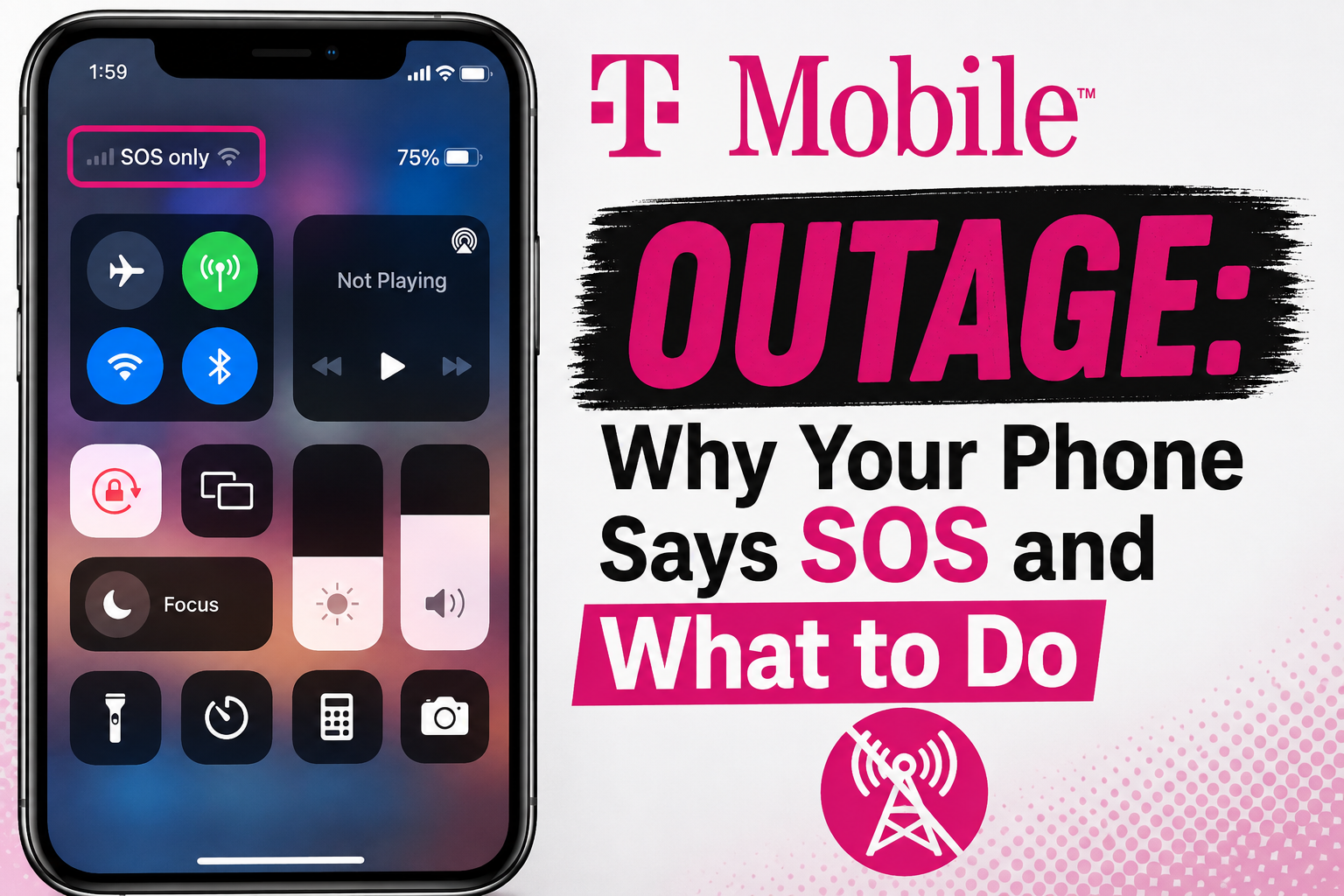
T-Mobile outages can be frustrating, especially when your phone suddenly shows SOS, No Service, or you cannot make calls or use mobile data. A temporary outage can happen because of network maintenance, a tower problem, severe weather, or another unexpected technical issue.
If your T-Mobile phone is showing SOS or No Service, here are the most useful things to check first.
WHAT DOES SOS MEAN ON YOUR PHONE?
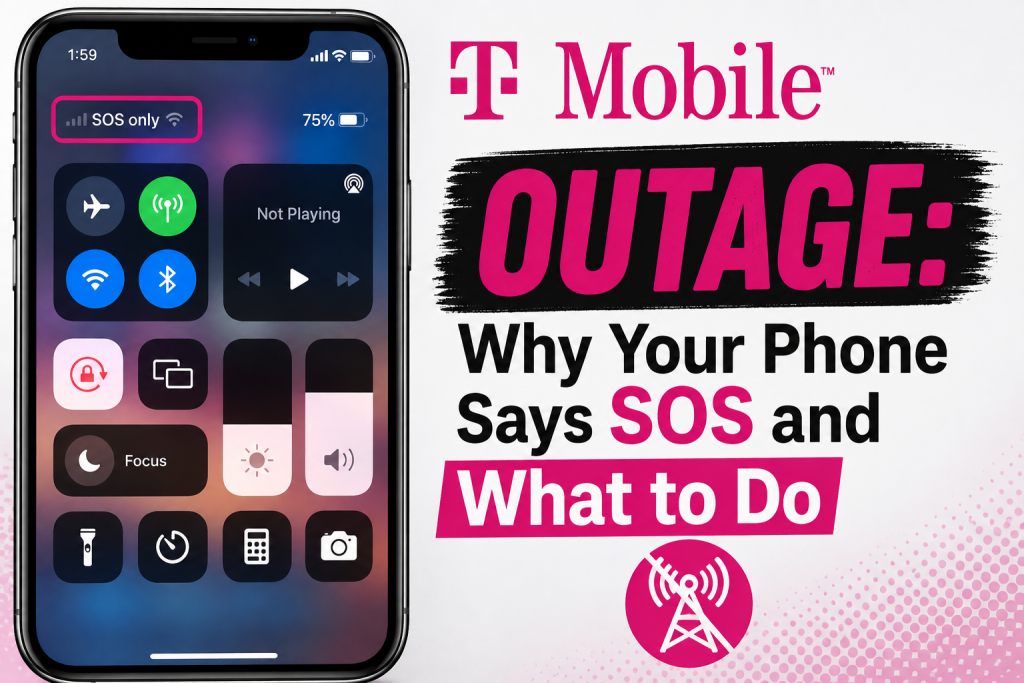
When your phone shows SOS, it usually means your device is not connected to your normal cellular network. On some phones, emergency calling may still be available through another network even though regular T-Mobile service is unavailable.
An SOS message does not always mean there is a nationwide T-Mobile outage. It can also be caused by weak coverage, a local tower problem, SIM or eSIM issues, or a temporary problem with your phone.
WHAT TO DO DURING A T-MOBILE OUTAGE
1. Restart your phone
A simple restart can help your phone reconnect after service begins returning. T-Mobile also recommends power-cycling the device after an outage is resolved.
2. Check Airplane Mode
Make sure Airplane Mode is turned off. If you are having connection problems, you can also briefly turn Airplane Mode on and then off again to make the phone search for the network again.
3. Use Wi-Fi Calling
If your cellular connection is unavailable but your Wi-Fi still works, T-Mobile recommends turning on Wi-Fi Calling. This can allow you to make calls and send texts over Wi-Fi while cellular service is disrupted.
4. Check your signal and network settings
T-Mobile recommends confirming that your line is active, that you are in a covered area, and that your phone’s network mode is set to Auto.
5. Check whether the problem is local
If only your phone is affected while other nearby T-Mobile customers still have service, the problem may be with your device, SIM, eSIM, or settings rather than a widespread outage.
6. Use a hotspot or another connection if available
If your T-Mobile Home Internet is affected but your phone still has service, T-Mobile suggests using your phone as a mobile hotspot when possible.
WHY DO T-MOBILE OUTAGES HAPPEN?
T-Mobile says temporary service disruptions can happen because of routine tower maintenance or unforeseen circumstances affecting a tower. The impact can vary depending on the location and the problem.
WHEN SHOULD YOU CONTACT T-MOBILE?
If service has returned in your area but your phone still shows No Service or has no signal, restart the device first. If the problem continues after troubleshooting, T-Mobile recommends contacting support from another working device or visiting a T-Mobile store.
FINAL THOUGHTS
If your T-Mobile phone suddenly says SOS, do not assume your phone is broken. First check for a possible network disruption, restart your device, make sure Airplane Mode is off, and use Wi-Fi Calling if you have Wi-Fi available.
Because network conditions can change quickly, always check
T-Mobile’s official support information for the latest service updates in your area.
FREQUENTLY ASKED QUESTIONS
Why does my T-Mobile phone say SOS?
Your phone may show SOS when it cannot connect normally to T-Mobile’s cellular network. This can happen because of an outage, weak coverage, or a device or SIM issue.
Can I still call during a T-Mobile outage?
If you have a working Wi-Fi connection, Wi-Fi Calling may allow you to make calls and send texts while cellular service is unavailable.
Should I restart my phone after an outage?
Yes. T-Mobile says you may need to power-cycle your device after service is restored.
Does SOS always mean T-Mobile is down?
No. SOS can also appear because of poor signal, a local coverage issue, or a problem with your device or SIM.
For more easy technology tips, visit our Blog